
Today, I’m excited to help you find the best marketing tools for small businesses in 2026. As a small business owner, you’re juggling a lot. You need tools that work hard and at an affordable cost.
I’ve spent countless hours testing tons of options to pick the top ones just for you. From search engine optimization (SEO) to social media, I’ve got your back. Did you know that 58% of small businesses use digital marketing tools? Pretty cool, right? Let’s make sure you’re using the right ones to truly shine.
Are you ready to take your marketing game to the next level? Let’s go.
Key Takeaways
- Google Analytics is a free tool that shows real-time data on website visitors and their behavior, helping you understand the effectiveness of your marketing channels.
- Mailchimp is marketing software that lets you start sending emails for free with up to 500 contacts, with paid plans starting at $13 per month.
- Hootsuite offers social media management plans starting at $99 per month with a 30-day free trial.
- Canva’s paid plans start at $100 a month, offering templates and images for design work.
- Asana’s paid plans for project management start at $10.99 per user per month.
Usage Percentage of Marketing Tools for Small Business Based on a Survey

I interviewed 167 business owners and marketing professionals to discover their go-to marketing tools. With over 50 tools surveyed, the top five that emerge are:
- Google Analytics: 16.16%
- Mailchimp: 13.11%
- Canva: 12.40%
- Hootsuite and Semrush: 10.53%
- Ahrefs: 7.46%
Best Analytics and SEO Tools
Analytics and SEO tools help you see how your site’s performing. They show you what works and what needs fixing to get more visitors.
1. Google Analytics
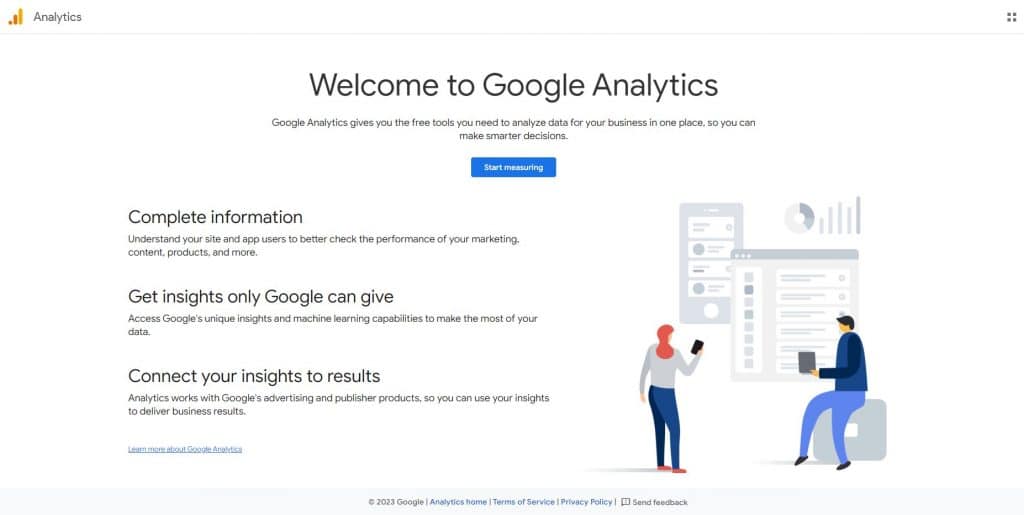
Google Analytics is a free analytics tool that shows me how people use my website. I can see which pages they visit and how long they stay. It helps me understand my audience better.
Google Analytics gives me real-time data. I can track where my visitors come from and what they do on my site. This information helps me make smart choices for my business. It’s easy to use and gives me a powerful marketing automation platform along with detailed insights without costing anything.
“This tool is essential for tracking website traffic and user behavior. Marketers use it to analyze the effectiveness of their campaigns and gain insights into customer preferences.” — Abhinav Girdhar, Founder, Appy Pie
2. Semrush
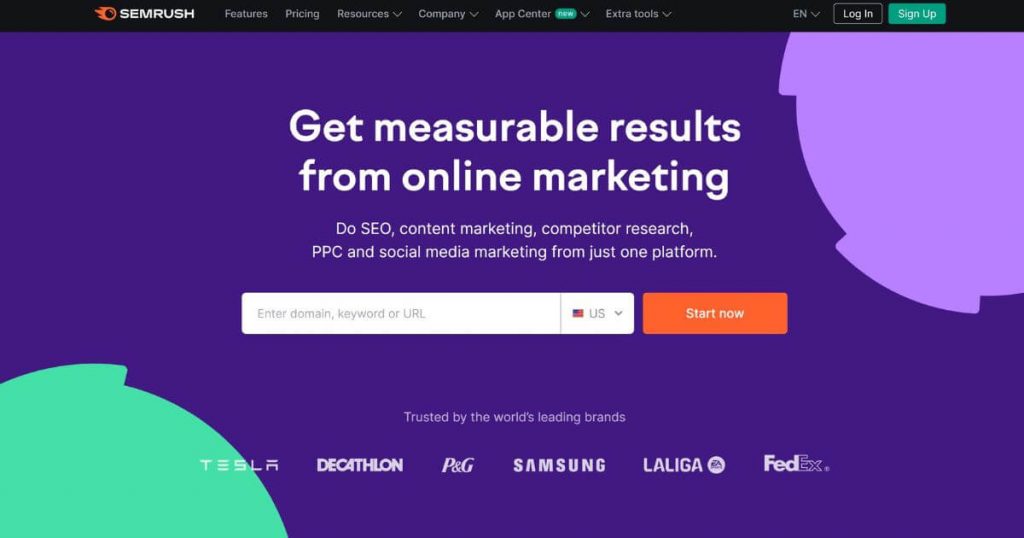
Semrush is a great tool for SEO and PPC analytics. It’s perfect for small to medium businesses. I use it to find keywords, track rankings, and look at competitors’ strategies. The all-in-one suite can save you time and money.
At $117.33 per month (billed yearly), Semrush offers great value. You get powerful features like site audits, backlink analysis, and ad campaign tools. It can help boost your online visibility and grow your blog.
“We’ve also integrated Semrush’s free SEO tools to enhance our SEO efforts and stay ahead in the constantly changing digital landscape.” — Nick Drewe, Founder and CEO, Wethrift
For a detailed analysis, why not check out my comprehensive Semrush review?
3. Ahrefs

Moving on, let’s look at Ahrefs. I’ve used this tool a lot in my SEO work. Ahrefs is a top pick for small businesses. It helps you show up better in search results.
You can find good keywords with it as well. Ahrefs stands out as really useful for small companies as it enables you to see how your site ranks and find ways to improve it. This tool makes SEO tasks easier and faster.
“To complement our SEO efforts, Ahrefs provides valuable insights into backlinks and search performance, aiding in content optimization.” — Arvind Rongala, CEO, Edstellar
Best Email Marketing and CRM Tools
Email marketing and customer relationship management (CRM) tools are groundbreaking for small businesses. They help you reach customers and manage relationships with ease.
4. Mailchimp
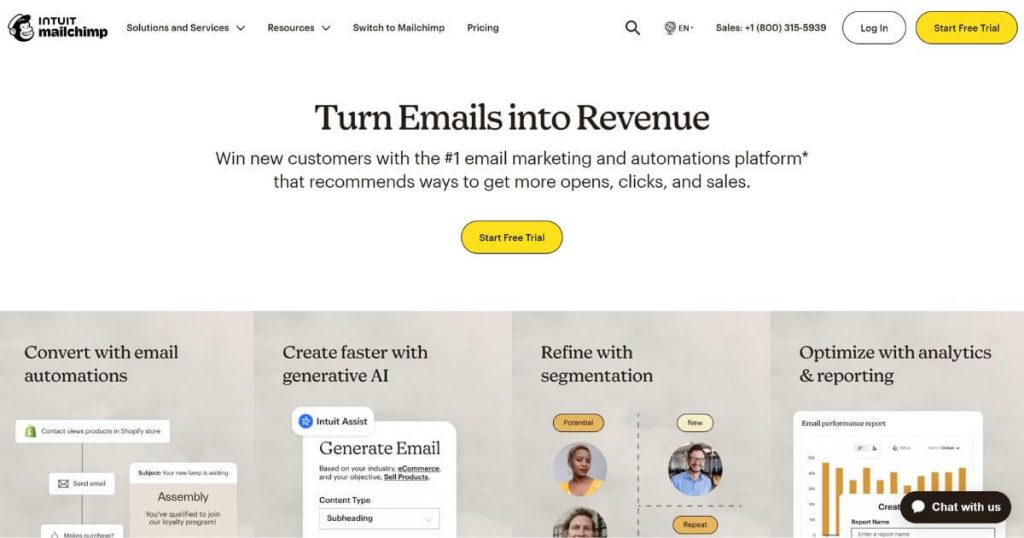
Mailchimp is ideal for small businesses. It’s a top email marketing tool that’s easy to use. You can start for free with up to 500 contacts. As your list grows, plans start at $13 per month.
Mailchimp shines in email marketing automation. It lets you set up emails that are sent on their own. This saves time and keeps your customers engaged. The drag-and-drop editor makes creating eye-catching emails a breeze.
“Mailchimp’s user-friendly interface facilitates effortless handling of email campaigns, while its advanced analytics guide data-driven improvements.” — Yulia Saf, Miss Tourist
5. ActiveCampaign
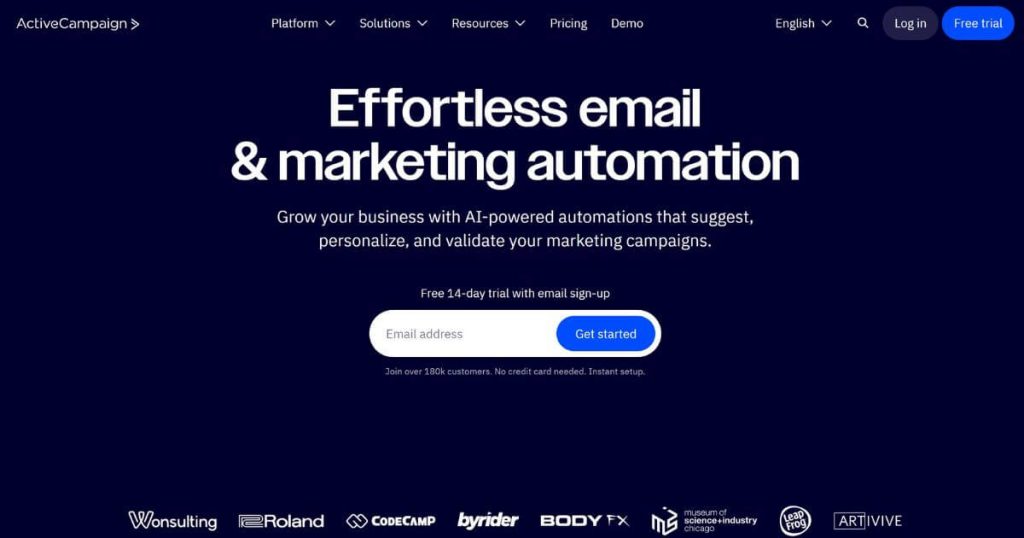
The ActiveCampaign tool takes email marketing up a notch. It offers more than just sending emails; it integrates with various marketing channels. As such, ActiveCampaign helps small businesses and marketing teams grow with smart automation.
The starter plan costs $15 a month for 1,000 contacts. That’s a good deal for what you get. The best part? You can measure your email marketing KPIs or key performance indicators, too. It’s a solid choice for small businesses looking to boost their marketing game.
“We love using ActiveCampaign for small businesses because it balances value and features. It allows us to set up advanced server-side conversion tracking, which is crucial in today’s post-cookie consent world, where marketers are losing valuable customer data as more users opt out of tracking. Not every platform can handle complex automation and logic, which can often come with high price tags. ActiveCampaign offers powerful features without breaking the bank, making it ideal for small businesses.” — Mike Zima, Chief Marketing Officer, Zima Media
6. Constant Contact
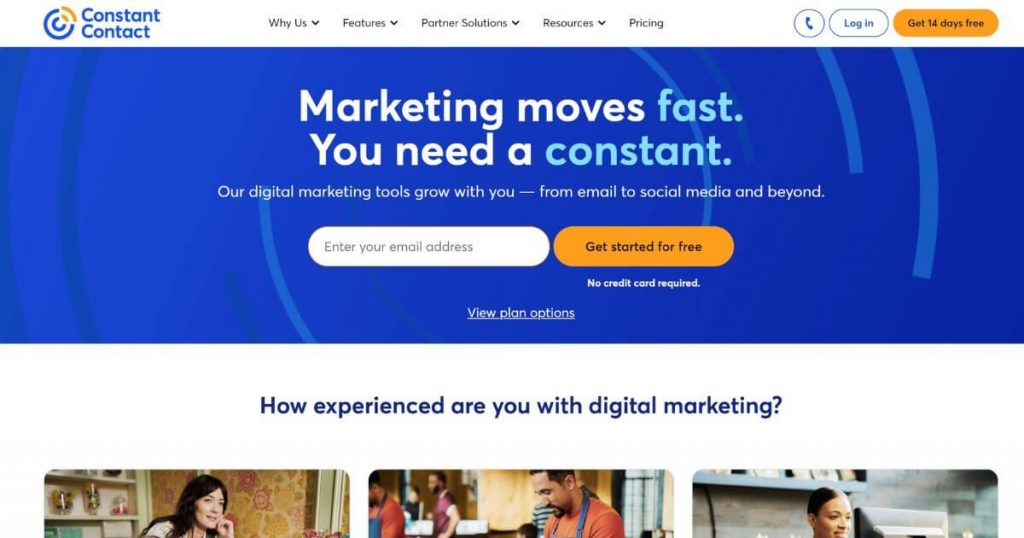
Constant Contact is another email marketing and management tool that is easy to use and packed with features. You get a 14-day free trial to test it out. After that, plans start at just $12 a month. That’s a great deal to help your business.
Constant Contact helps you create eye-catching emails quickly. You can send newsletters, promotions, and event invites. It also tracks who opens your emails and clicks your links. This data helps you improve your campaigns over time.
Best Social Media and Content Creation Tools
Social media marketing and content creation tools can boost your online presence. These tools help you plan posts, make eye-catching graphics, and track how well you’re doing on social media marketing platforms. Want to know which ones are best for your small business? Keep reading.
7. Hootsuite

Hootsuite is great for managing social media. It lets you schedule posts across platforms from one dashboard. You can plan content, track performance, and engage with followers easily. Hootsuite works with Twitter, Facebook, Instagram, LinkedIn, and more.
Its analytics help you see what’s working and improve your strategy.
Hootsuite offers plans starting at $99 per month with a 30-day free trial. It is a strong contender for social scheduling because of its many features. It can save time and keep your social presence consistent. With Hootsuite, you can focus on creating good content while it handles the posting.
“While managing social media, Hootsuite comes in handy—its capability for scheduling posts in advance and tracking performance helps us stay consistent and responsive across platforms.” — Forrest Webber, Owner, The Trade Table
8. Buffer
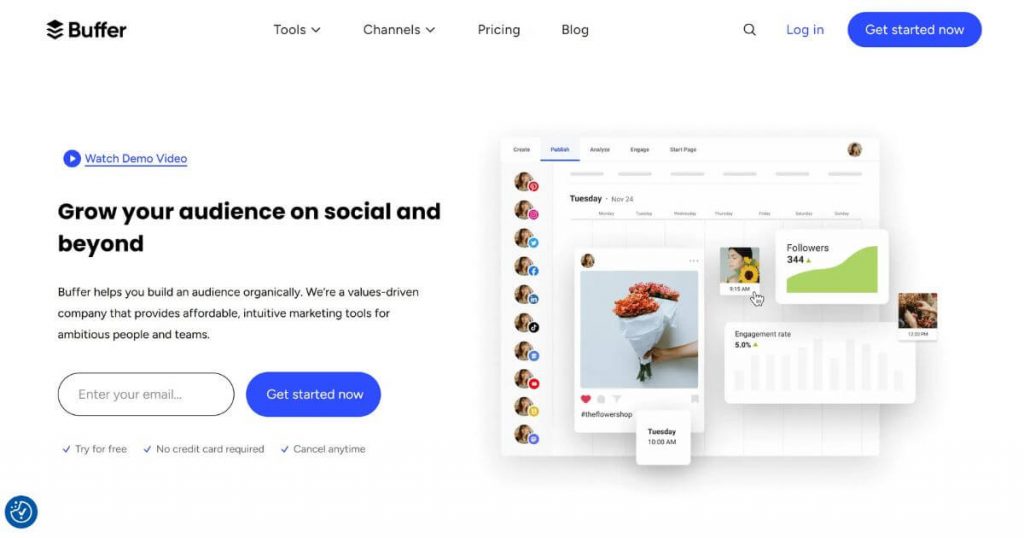
You may also choose Buffer to manage social media. Buffer lets you plan and post content across platforms. You can schedule posts for social media channels like Facebook, Twitter, Instagram, and more. This saves time and keeps your social presence steady while boosting your digital marketing strategy.
Buffer offers a free plan to start. It includes three social accounts and ten scheduled posts. Paid plans start at $5/month per channel. These give you more features and analytics. Buffer’s easy-to-use interface makes social media less stressful.
“Tools like Buffer allow me to manage and schedule social media posts seamlessly, ensuring a consistent online presence. By using these tools, I save time and can focus on what truly matters—serving my clients.” — Andrew Pickett, Trial Attorney, Andrew Pickett Law
9. Loomly

Loomly stands out as a top social media tool for small businesses. It can help you grow affordably. It offers quick value, easy setup, and great support.
This tool boosts your visibility and does tasks for you. It’s perfect for reaching your marketing goals on a tight budget. Loomly makes social media less of a headache. It plans posts, tracks results, and keeps your brand message clear across all platforms.
Best Design and Graphics Tools
Design tools can make your brand shine. These apps help you create eye-catching visuals for your business.
10. Canva
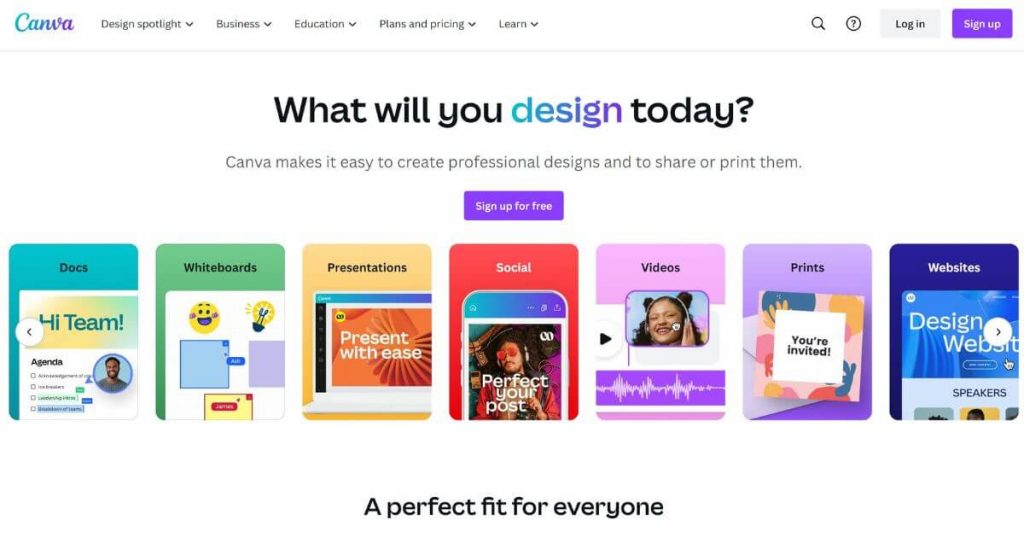
I love Canva for making eye-catching designs fast. It’s a game-changer for small businesses like mine. The drag-and-drop tools are super easy to use. I can create social media posts, flyers, and logos in minutes.
Canva offers tons of free templates and images. But their paid plans start at $100 a month per year per person. That gives you access to even more cool stuff. You can use it to create consistent branding across all your marketing materials. Personally, it has saved me so much time and money on design work.
11. Adobe Photoshop

Adobe Photoshop is a top design tool. You can use this marketing hub to make eye-catching graphics and videos. These visuals are key for strong marketing campaigns.
Photoshop helps teams create content that grabs attention on social media. It’s a must-have for boosting brand visibility online.
Photoshop can fit into your digital marketing plan perfectly. For example, you can make custom images for your website, ads, and social posts. This tool lets you edit photos, design logos, and create banners.
It’s great for both print and web materials. With Photoshop, you can make your small business look professional and stand out from the crowd.
12. Figma

Figma is excellent for making eye-catching marketing graphics. It’s another top design tool for small businesses. Figma helps create visuals that boost sales and get customers excited.
You can use it to craft social media posts, ads, and even website mockups. The best part? It’s easy to learn and works great for team projects.
“Figma is my go-to for design and brand. It is the Swiss Army knife. I’ve done YouTube thumbnails in the morning and transitioned to mobile app UI layouts in the afternoon. It is so versatile. As a small business owner, I need my design tools to be BOTH flexible and fast, so Figma fits the bill better for me. It’s also pretty cheap, all things considered.” — David Ilgenfritz, CEO, Roastify
Best Project Management and Collaboration Tools
Project tools help teams work better together. They keep tasks on track and make sharing information easy.
13. Trello

Trello is ideal for managing projects. It’s a simple board where you put tasks on cards and move them around. It allows you to group similar tasks in lists and drag cards as work progresses. Trello works great for small teams, and it’s free to start.
For bigger groups, plans cost $5 to $10 per person each month. The visual layout can help you see what needs doing at a glance.
Trello makes teamwork easy. You can add notes, files, and due dates to cards. It also allows you to tag team members so they know what to do. The mobile app lets you check progress on the go. Trello also connects with other tools you might use, like Slack and Google Drive. This saves time by keeping everything in one place.
14. Asana

Asana helps teams stay on track with projects. It allows you to manage content calendars and track SEO tasks. The free version is great for small teams.
It lets you create tasks, assign them, and set due dates. For bigger teams, paid plans start at $10.99 per user per month.
One cool thing about Asana is its flexibility. You can view tasks as lists, boards, or timelines. This makes it easy to see project progress at a glance. The tool also integrates with many other apps, like Slack and Google Drive. This saves time by keeping all your work in one place.
Best Communication and Meeting Tools
Below, I’ll show you the best tools to chat and meet online. These make it easy to talk with your team or clients from anywhere. Want to know which ones are worth your time? Read on.
15. Zoom

Zoom stands out as a top communication tool for small businesses. It’s not just for video calls; Zoom also helps your marketing efforts. You can use it to talk with your team about your plans and track how well they work. This tool makes it easy for teams to work together, even when you’re not in the same place.
Zoom is great for organizing teams and measuring success. It allows team members to share screens, chat, and have quick meetings. This can help you stay on top of your marketing goals. With Zoom, you can make sure everyone knows what they need to do and how you’re doing.
16. Slack

Slack is great for team chats and file sharing. It lets you make channels for different topics or teams. This keeps work organized and easy to find. You can use it daily to stay in touch with your marketing crew as you share ideas, plan projects, and solve problems fast.
Slack offers a free plan that’s great for small teams. For bigger groups, paid plans start at $8.75 per user each month if you pay yearly. These plans give you more storage and features.
“I’d recommend a tool we’ve recently adopted: Slack. This platform has improved our internal communication greatly, enabling faster decision-making and more responsive customer service.” — Mark Pierce, Founder & CEO, Wyoming Trust & LLC Attorney
17. Calendly

Calendly is excellent for small businesses. It cuts out the back-and-forth of setting up meetings. It boosts productivity for many startups. You just share your link, and clients pick a time that works. It’s that simple.
This tool fits perfectly into email campaigns as well. You can use it to schedule follow-ups after sending out offers. It saves time and makes clients feel in control.
“Potential clients can schedule consultations straight into my calendar with this user-friendly scheduling application, saving time-consuming email correspondence. I’ve reserved particular times for strategy sessions, follow-ups, and first consultations. The seamless video meetings made possible by Calendly’s connection with Zoom guarantee a positive client experience. I’ve added important questions on my personalized Calendly link so I can plan out specific answers. Thirty percent of my administrative time has been freed up by automating scheduling, allowing me to concentrate on high-leverage tasks like client advocacy and case planning.” — David Weisselberger, Founding Partner, Erase The Case
Best Writing and Editing Tools
Good writing is key for any business. These tools can make your writing better and save you time.
18. Grammarly

Grammarly is a useful tool for content marketing. This smart writing helper catches errors and suggests better words. I use it to create engaging posts for social media, blogs, and my website. Grammarly makes sure my writing is clear and error-free.
Grammarly Business takes things up a notch for teams. It helps everyone write in the same style and tone. This keeps our brand voice consistent across all platforms. The tool gets frequent updates, so it’s fresh and relevant for today’s marketing needs.
“Grammarly is a writing assistant app that helps us maintain professionalism, clarity, and content integrity. Adhering to grammar rules, the tool makes content error-free, increases readability, and enhances overall quality. We found its browser extensions pretty useful, allowing for seamless proofreading without leaving the screen and saving valuable time.” — Sandeep Kashyap, CEO, ProofHub
And if you want to know how it compares with Hemingway, check out my Hemingway vs Grammarly review.
19. Hoppy Copy

Hoppy Copy is my go-to tool for quick, catchy marketing copy. It uses AI to create snappy headlines, email subject lines, and ad text in seconds. You just pick a template, enter a few details about your product, and get tons of ideas.
It’s perfect for small business owners like me who need fresh content fast but don’t have big budgets for copywriters. The best part? Hoppy Copy learns from my choices, so it gets better at matching my brand’s voice over time. It saves me time and helps me keep my marketing fresh and engaging without breaking a sweat.
Want to find out more? Read up on it in my Hoppy Copy review.
Best Document Management and Files Tools
Keeping your files in order is key for any small business. Good document tools help you store, share, and collaborate on files with your team easily.
20. Google Drive

Google Drive is a cloud storage tool that keeps all my files in one place. I can access them from any device, anytime. It’s great for teamwork, too. I share docs with my team, and we edit them together in real time.
Google Drive offers 15 GB of free storage. That’s plenty for most small businesses to start with. It’s easy to use and syncs across all my devices. I can work on a file on my phone, and then pick up where I left off on my computer. It’s a real time-saver for busy business owners like me.
21. PandaDoc

Moving on, let’s talk about another great tool: PandaDoc. This software helps small businesses manage documents better. It’s a game-changer for sales and marketing.
PandaDoc makes creating, sending, and tracking documents easy. You can make quotes, contracts, and proposals fast. Plus, it links with other tools and ERP software options for automated workflow and billing management.
Prices start low at $19 per seat per month, so it fits most budgets. For growing businesses, PandaDoc is a smart pick to boost sales and save time.
Best Sales and eCommerce Platforms
Sales and ecommerce tools can boost your small business. Let’s look at some top picks that make selling easier.
22. Shopify

Shopify is an ecommerce platform and it makes selling online easy. You can set up a store quickly and start marketing right away. The tools help you get your brand out there, and with a Shopify promo code, you can reduce your initial costs and invest more in growing your business.
Shopify offers great features to track your success. You can see how many people visit your store and what they buy. If you need help, its support team is always ready. Shopify is key for boosting sales and growing small businesses online.
23. Close

Close.io (now Close.com) helps you manage customer relationships and boost sales through effective marketing automation strategies. This platform offers features like email tracking, call logging, and lead scoring. You’ll find it easy to use and great for keeping all your sales information in one place.
Close.io automates many sales tasks, saving time and effort. The tool also gives useful insights into customer behavior. This can help you make smarter decisions and close more deals. For small teams looking to grow, Close.io is a solid choice.
Best Form Creating Tools
Some tools are grouped together to give your business an added extra through form creation. These extras can still help your small business grow. Let’s check out a few more tools that might be just what you need.
24. Tally.so

Tally.so is perfect for quick surveys and forms. It’s a breeze to use with no coding needed. Just drag and drop to make sleek forms in minutes. It’s perfect for small businesses that want to gather customer feedback fast.
Tally.so stands out with its clean design and easy sharing options. You can embed forms on your website or send links via email, enhancing your small business marketing software strategy. Plus, it’s free to start, which is great for tight budgets. For more complex needs, paid plans offer extra features like custom domains and removing Tally branding.
25. Jotform
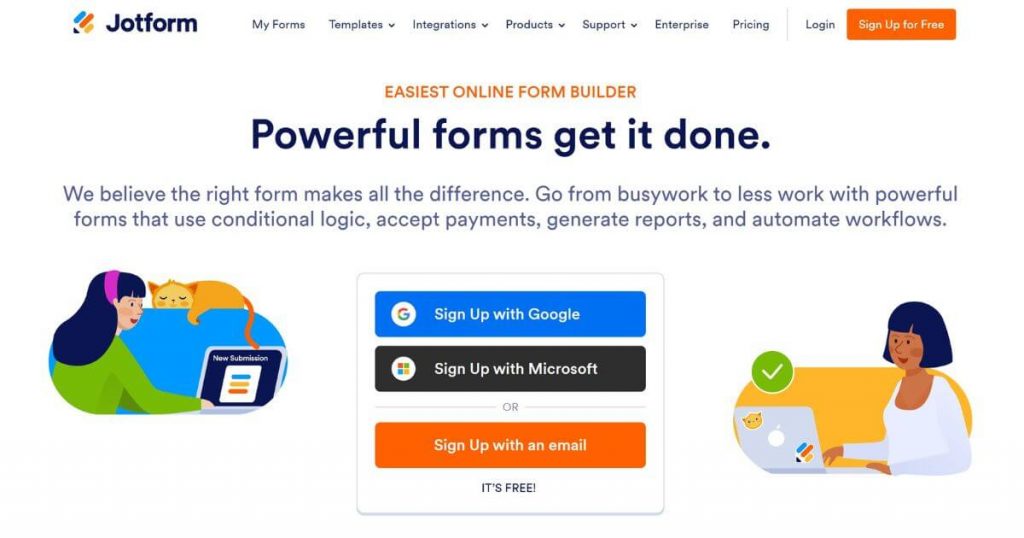
Jotform is an online form-building platform that allows users to create customizable forms for various purposes, such as surveys, registrations, and feedback collections. It is particularly valuable for small businesses as it simplifies data collection and enhances customer engagement.
The platform’s intuitive drag-and-drop interface and diverse templates enable businesses to easily set up forms without technical expertise. By integrating with various tools and automating workflows, Jotform saves time and improves efficiency. Its ability to collect and analyze customer data makes it a key marketing tool for understanding and targeting audiences effectively.
26. Typeform
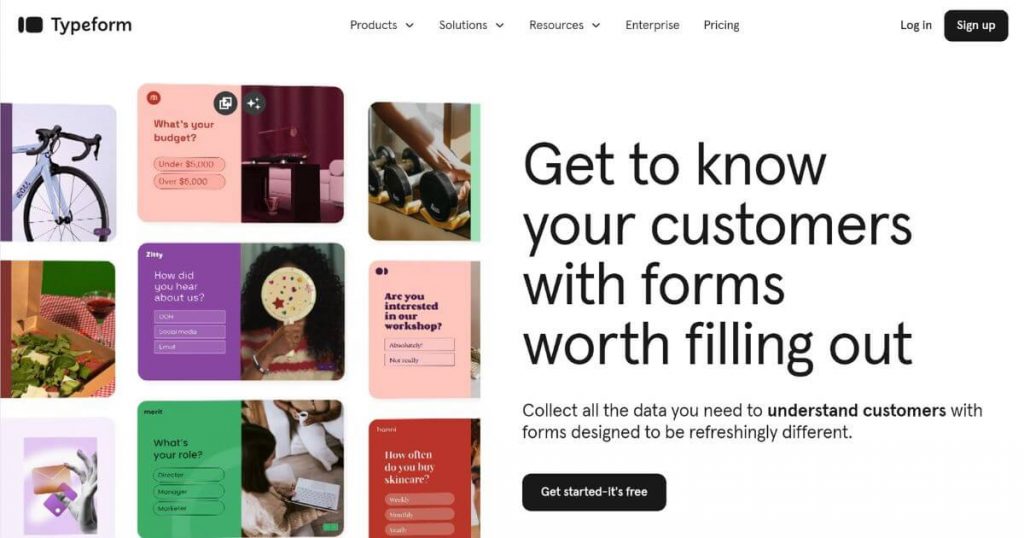
Typeform is an online form creation tool that specializes in creating visually appealing and interactive forms, surveys, and quizzes. Its user-friendly interface and conversational style engage respondents, leading to higher completion rates.
This makes it an essential marketing tool for small businesses, as it enables meaningful interactions with customers and captures valuable feedback. With seamless integration options and data analysis features, Typeform helps businesses streamline processes and gain insights into customer preferences.
Its ability to deliver engaging experiences ensures improved customer satisfaction and effective audience targeting, which are crucial for small business growth.
Conclusion
Marketing tools can boost your small business success in 2026. Pick the right ones for your needs and budget. Start with free options, then upgrade as you grow. Mix different tools to cover all your bases.
With these tools, you’ll reach more customers and grow your business faster.